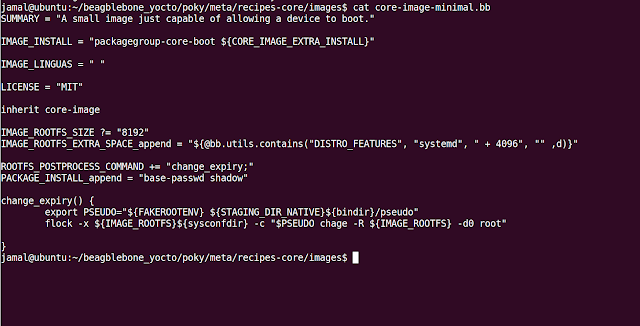
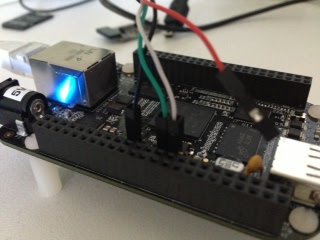
Step1: Create a folder for Yocto source code: $ mkdir beagblebone_yocto && cd beagblebone_yocto Step2: Clone the poky source code: $ git clone -b thud git://git.yoctoproject.org/poky.git Step3: Run the environment script to setup the Yocto Environment and create build directory $ source poky/oe-init-build-env build Step4: Set the MACHINE variable to 'beaglebone-yocto' $ echo 'MACHINE = "beaglebone-yocto"' > conf/local.conf Step5: Build the core-image-minimal image $ bitbake core-image-minimal After a few hours, you will find the images will be present in beaglebone_yocto/build/tmp/deploy/images/beaglebone-yocto folder Step6: Take memory card and make two partitions using gparted: Partition1 : Size 100 MB, fat16 (boot flag) Partition2: Size > 2GB , ext4 Step7: Copy the files in the required partition. $ cd beaglebone_yocto/build/tmp/deploy/images/beaglebone-yocto $ cp MLO-beaglebone-yocto /media/jamal/b...